Teaching off-grid MeshCore basics to contribute to better coverage
MeshCore is an open source, off grid mesh network that enables text based communication using inexpensive and energy-efficient devices based on LoRa. The mesh network is independent of existing infrastructure like telco’s or internet. As the number of people that are using Meshcore devices is growing rapidly, the coverage in the Netherlands is getting quite good (you might even reach Belgium or Germany).
Using solar energy and/or a power bank, these devices can stay online for extended periods, which is useful if the power or internet are out.
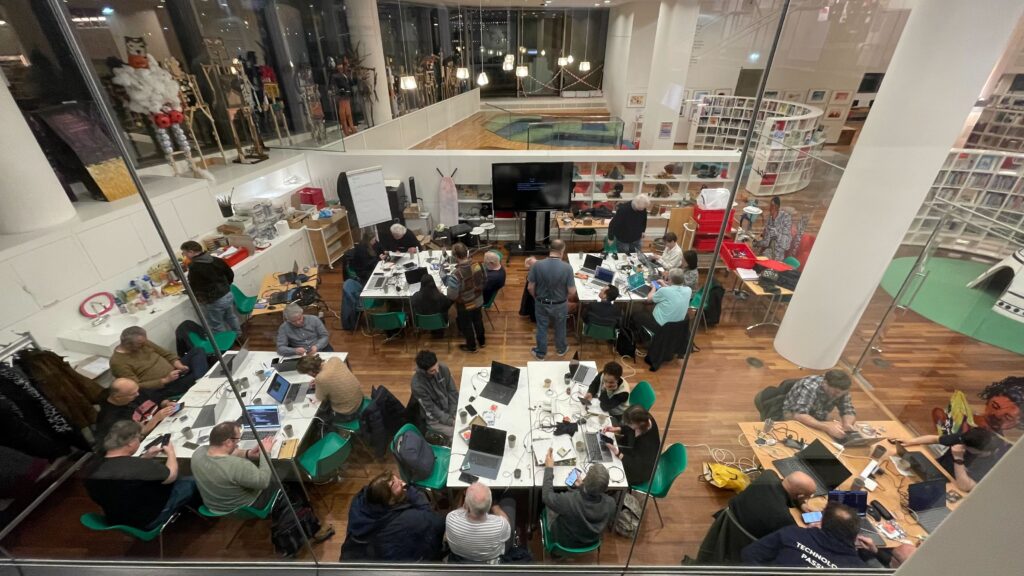
As Sensemakers Community we like to contribute to better coverage and resilience. On Januari 21th we had a great workshop teaching people the MeshCore basics and help them configuring a Heltec v3. Check the sheets of the Meshcore workshop.
In the sheets you’ll also find the explanation on why we choose to go forward with Meshcore instead of Meshtastic. But if you want to try Meshtastic be sure to check this Meshtastic-cheat-sheet that Rob made to help out with choosing the right settings.
Within the Meshcore network you assign your device (node) a role.
There are 3 different types of nodes:

1. Companion
This allow you to communicate via your device by connecting it to the Android or iOS app or web app as a messenger client.
2. Repeater
Repeaters are used to extend the range of a MeshCore network. A repeater’s job is to help forward MeshCore packets to the destination device. Please also consider putting a receiver on your roof, the Sensecap Solar Node P1-Pro is very popular at the moment.
3. Roomserver
If the destination device is not online or out of reach, your message will just disappear in the air. A room server is capable of storing 32 messages. This can be used for groups who want to allow for asynchrone communication. Members can log in to the room to check for new messages.
As configuring your device is only the first step (use the sheets or one of the sources below), we want to refer you to relevant sources both in Dutch and English, and inform you about some interesting projects.
Sources
-
For installing the software on your device: meshcore.co.uk
-
https://github.com/meshcore-dev/MeshCore/blob/main/docs/faq.md
-
https://valleirug.nl/ (good explainer and best practises)
Tips
-
Follow the sources to know when to update your software, the network is continuously being improved.
-
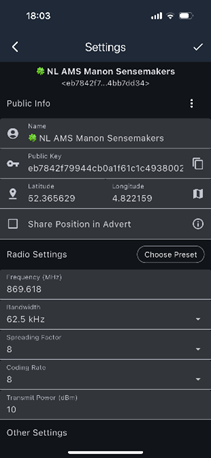
The most common mistake and reason why people don’t receive messages is that they have the wrong radio settings, choos EU/UK narrow from the presets!
-
Follow the naming convention, when you have a node or repeater in Amsterdam, start with NL-AMS xxxxxx (xxxxx is whatever you like to personalise, some also use their postalcode, short name is better for the network). Check here for the 3-lettercode of cities in the Netherlands: https://nl.wikipedia.org/wiki/Lijst_van_UN/LOCODE%27s_in_Nederland
Projects
-
Join us at the OBA and DIY 3D print your Meshtastic Heltec V3-V4 case to fit in 18650 batteries.
-
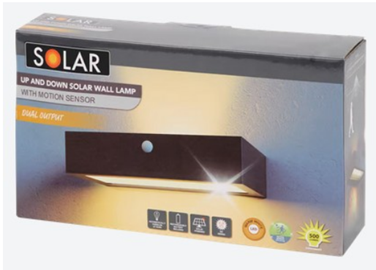
Build your own cheap, waterproof solar-powered device based on a solar-lamp from Action (Dutch)
-
From https://valleirug.nl/: